
New V8 users
Ecoleave V8 New User Manual
A step-by-step guide for employees, approvers, managers and HR administrators using People Cloud V8 for the first time.
PDF33 pagesEmployees & HR
Guides and answers
Start with practical product questions, implementation guidance and the workflow areas HR teams should prepare before onboarding.
Choose the V8 manual for new users or the V6-to-V8 transition guide for an existing organisation. Both include a numbered contents section and an alphabetical index.
A step-by-step guide for employees, approvers, managers and HR administrators using People Cloud V8 for the first time.
A practical transition guide covering preparation, menu mapping, validation, user acceptance testing and go-live checks.
List branches, departments, employee categories and manager relationships.
Prepare leave entitlement rules, holidays, rest days, work schedules and rosters.
Confirm who approves leave, claims, corrections and overtime for each employee group.
List claim types, required fields, rates, monthly/yearly limits and finance cut-offs.
Prepare employee numbers, names, emails, roles, managers and relevant employment dates.
Identify the summaries and exports needed by HR, finance, payroll and management.
It is the modern Ecoleave workspace that brings E-Leave, E-Claim, E-Payslip and E-Attendance into a consistent employee and HR experience.
Yes. Organisations can begin with a standalone module and expand the setup as employee count, branches or workflow requirements grow.
The V8 interface is designed to adapt across desktop, tablet and mobile browsers for common employee and approval tasks.
Yes. Branch, category and department structures are used across employee setup, filters, reporting and selected policies.
Approvers and managers are assigned around employees and workflows. The available levels and controls depend on the module and organisation setup.
Authorised apply-on-behalf or submission functions are available for relevant workflows and roles.
Yes. The reports centre covers leave, claim and attendance information, with filters and export functions depending on the report.
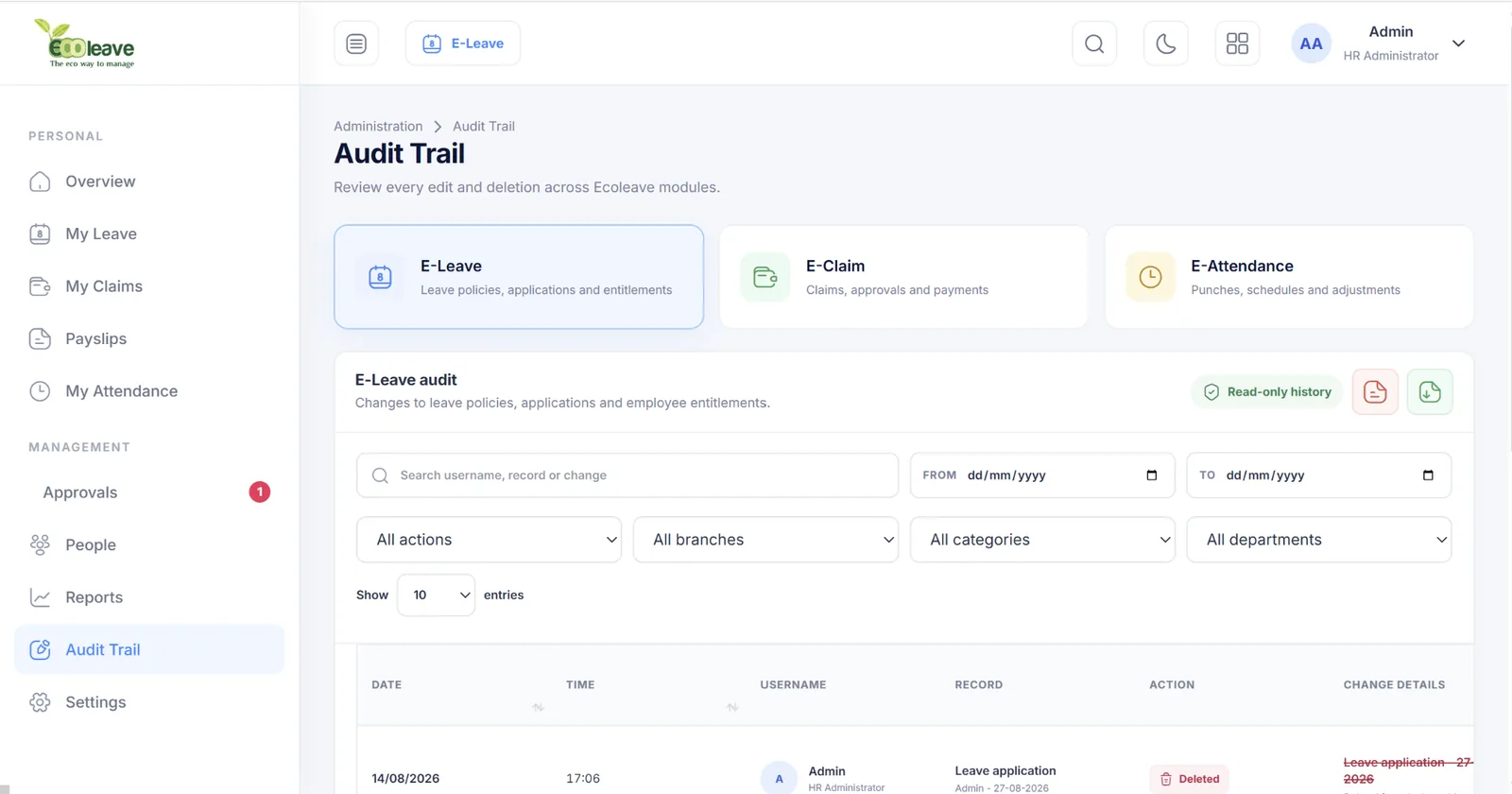
Yes. Ecoleave includes read-only history views for important changes and deletions across supported modules.
Options include selected attendance systems and payroll workflows. The correct integration depends on your current software, devices and deployment.
A 30-day free trial is available, with the module scope confirmed during your enquiry or demo.
Support is provided by PC Mart Sdn Bhd from Kuala Lumpur and Batu Pahat during local business hours.
Complete the contact form or WhatsApp 012-203 7670. Include your employee count and the modules you are considering.
A short discussion about your employee count, approval structure, payroll tools and attendance needs can quickly identify the appropriate module setup.
Book a guided V8 demonstration and bring your leave, claim, payroll or attendance questions.