
Employee submission
Select a claim type, enter the required fields and attach supporting documents.
Expense claim management
Employees submit claims and supporting documents, approvers review the right details, and finance tracks approved amounts and payment progress.
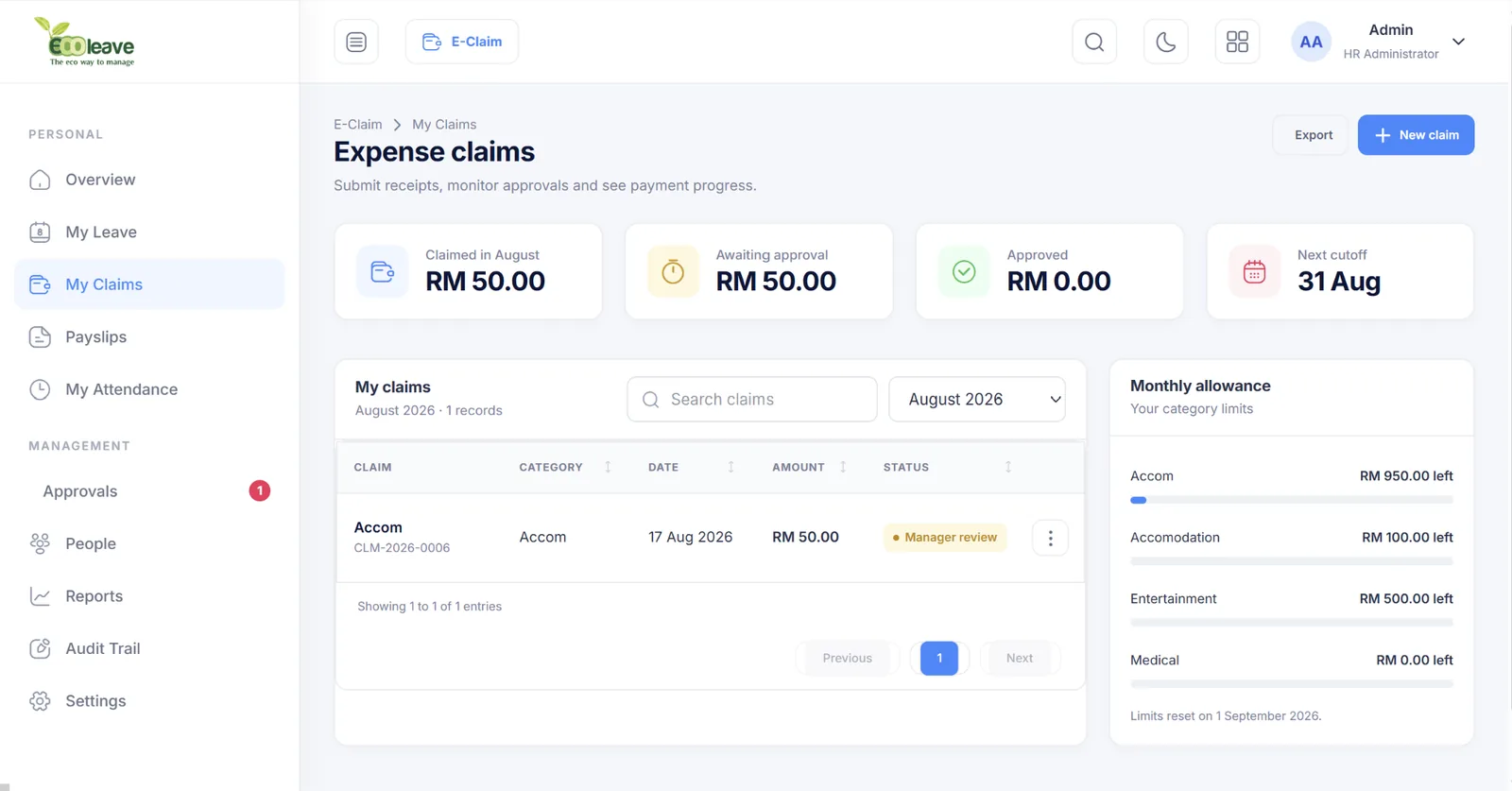
Select a claim type, enter the required fields and attach supporting documents.
Review category, amount, limits, details and attachments before approving or returning.
Track approved claims, finance review and payment reporting in a dedicated workflow.
Create categories such as travel, medical, accommodation, mileage or internal allowances.
Define the information required for each claim type instead of forcing one generic form.
Set claim rates, monthly or yearly limits and category-level benefit controls.
Configure cut-off rules to organise claims around finance and payroll cycles.
Route claim requests to the relevant approver and finance review stages.
Keep a traceable record of important claim changes and processing actions.
The inbox separates pending and processed work across leave, claims and overtime, helping approvers focus on what needs a decision.
E-Claim V8 modernises existing setup functions while keeping the detailed controls needed by HR and finance.
E-Claim reports are organised around the information employees, managers and finance teams need at different stages.
Yes. E-Claim lets you define fields and required information separately for each claim type.
Yes. Limits can be configured around claim categories and employee groups to match your benefits policy.
Yes. Supporting documents can be attached to claim submissions for approver and finance review.
Yes. Approval and finance review are treated as distinct areas so payment processing can be tracked after manager approval.
Show us your current claim categories and approval steps. We will map them into a practical E-Claim configuration.